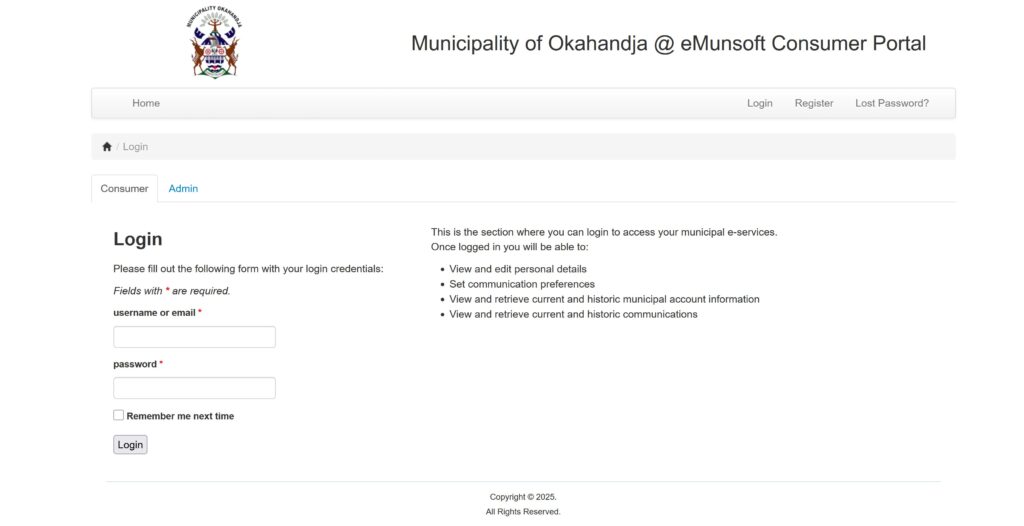
Statements To access your Statement via the Consumer Portal You should have your monthly bill on hand to access whatever information there is needed for registration. PLEASE NOTE THE WEB ADDRESS BELOW: To access your statement, please register using the portal below: 🔹 Consumer Portal: https://mymunicipality-okahandja.emunsoft.co.za/index.php?r=user/login&0=%2Fuser%2Flogin or click on the button below Portal Link Registration Steps: Open your web browser and enter the URL above. Click Register and fill in your details. Click Register at the bottom of the online form. Check your email for an activation link and click Activate Account. This is how the screen would look like where the client/consumer have to register Login Steps: Open your web browser and visit the portal. Click Login, then select the Consumer tab. Enter your Username and Password, then click Login. Enter your Account Number and PIN (as shown on your invoice/statement). Should you have any problems with this process, please contact us for assistance. Contact Us